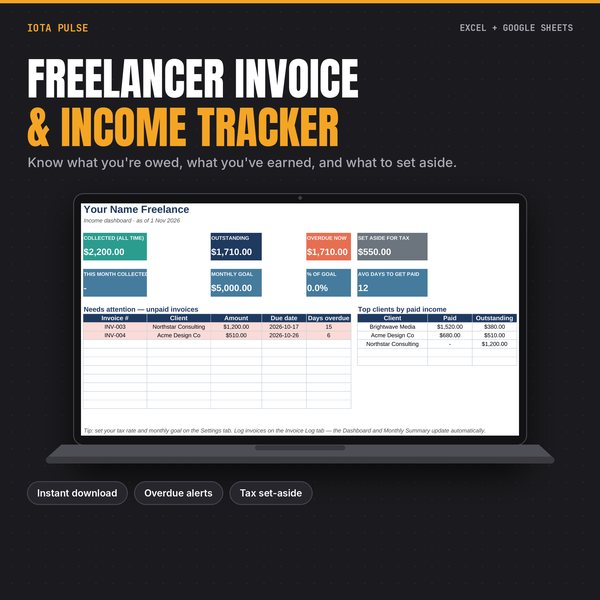
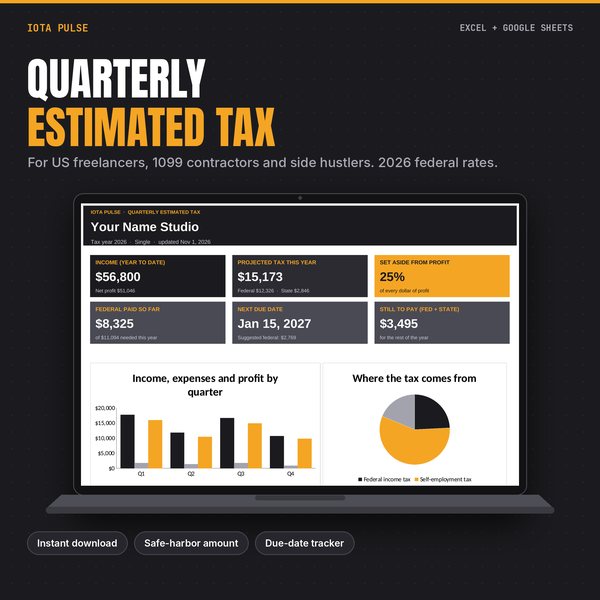
Stop guessing who still owes you. This freelancer invoice and income tracker shows what you've billed, what you've collected, what's overdue and how much to set aside for taxes, all from one simple invoice log.
What'S Inside (6 Tabs)
- Start Here: quick setup steps and a colour key.
- Dashboard: collected, outstanding, overdue, tax set-aside, this month vs your goal, average days to get paid, invoices to chase and your top clients.
- Invoice Log: one row per invoice with status dropdown (Draft, Sent, Paid, Overdue, Cancelled). Due dates fill in from your payment terms. Paid rows turn green, overdue rows turn red.
- Clients: add each client once; see billed, paid and outstanding per client.
- Monthly Summary: billed vs collected for every month of the year, with a chart.
- Settings: tax set-aside rate, default payment terms, monthly income goal.
Who It'S For
Freelancers, contractors, consultants, designers, writers, VAs and anyone who sends invoices and wants a clear picture without accounting software.
How To Use It
- Excel: open the .xlsx file (Excel 2010 or newer, Windows or Mac).
- Google Sheets: upload the .xlsx to Google Drive, open it, then choose File > Save as Google Sheets.
- Start on the "Start Here" tab. Pale amber cells are where you type; grey cells calculate automatically.
- Example data is included so you can see every chart working. Select it and press Delete when you're ready.
Good To Know
- This is a digital download. Nothing physical ships.
- No macros, add-ins or scripts. Formulas use standard functions that work in both Excel and Google Sheets.
- Every tab is set up to print on Letter or A4.
- Personal use, or use within your own business. Please don't resell or share the file.
The tax set-aside is a planning number you choose. It is not tax advice.